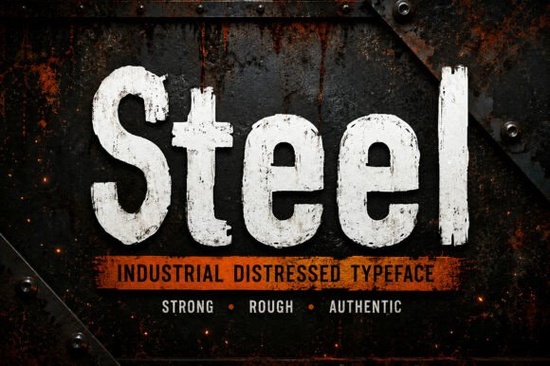
Looking for a typeface that feels like it was stamped onto sheet metal in a working factory? Steel Font is a distressed industrial typeface built for designers who want their projects to carry real weight and grit. It draws inspiration from worn factory signage, vintage machinery, and heavy-duty surfaces and that texture is visible in every letter.
Whether you're working on a construction company logo, a rugged t-shirt design, or a vintage poster, this font gives you that raw, weathered look without needing to stack extra effects in your design software.
What Makes This Distressed Typeface Stand Out?
There's no shortage of distressed fonts on the market, but many of them feel artificial. The texture looks painted on, or the distressing is too uniform across every character. Steel Font takes a different approach its worn quality mimics real-world wear and tear, the kind you'd find on rusted tools, old factory floors, or faded road signs.
It includes both uppercase and lowercase letters, full numbers and punctuation, and multilingual support. You also get it in OTF, TTF, and WOFF formats, so it works across design software, web projects, and print workflows without conversion issues.
Who Should Use an Industrial Display Font Like This?
Steel Font works well for anyone building a visual identity around strength, authenticity, or a vintage-industrial feel. Here are some specific use cases:
- Industrial and construction branding logos, letterheads, and signage for trades and manufacturing businesses
- Print-on-demand sellers bold t-shirt designs, mug graphics, and poster layouts that need a gritty edge
- Packaging and product labels especially for craft beer, hot sauce, BBQ brands, or outdoor gear
- Social media graphics posts and ads that need to stand out with strong typography
- Book covers and merchandise particularly for action, thriller, or adventure themes
- Workwear and apparel designs uniforms, branded clothing, and rugged lifestyle products
If your designs feel too polished for the mood you're going for, a distressed industrial font can shift the entire tone of a project in seconds.
How Does It Compare to Other Display Fonts?
Display fonts come in many styles, and choosing the right one depends on the project. If you're after something more playful or hand-lettered, a brush-style display typeface might suit that purpose better. For clean, modern branding work, a polished designer font is often the smarter pick.
But when your brief calls for something bold, textured, and unapologetically industrial, Steel Font is hard to beat. The distressed quality is built directly into the letterforms, so you don't need to layer effects on top. That saves time and keeps your designs looking consistent at any size whether it's a billboard or a business card.
For seasonal or themed projects, you might explore other options too. A fun tropical display typeface works well for summer designs, while a festive holiday font fits Christmas merchandise. Having a varied font library means you're ready for any creative brief that comes your way.
Tips for Working with Distressed Fonts
- Pair it with a clean secondary font. Because Steel Font is bold and textured, balance it with a simple sans-serif for body text. This keeps your layouts readable while letting the display font do its job.
- Use it at larger sizes. Distressed textures show best when the type isn't too small. Think headlines, logos, hero graphics, and signage rather than fine print or footnotes.
- Experiment with color and contrast. Industrial fonts look strong on dark backgrounds with light text, or on textured paper stocks that complement the worn, rugged feel.
- Test across formats. Since this font ships in OTF, TTF, and WOFF, you can move between print and digital projects without extra steps.
What Should You Check Before Downloading?
- ✅ Confirm your project calls for a bold, distressed aesthetic not a clean or minimal one
- ✅ Verify that multilingual support matters for your target audience
- ✅ Make sure your design software handles OTF or TTF files
- ✅ Plan a font pairing ahead of time so the distressed typeface doesn't overwhelm your layout
- ✅ Consider where the font will appear print, screen, or both
You can find the full details and previews on the product page. If industrial, rugged typography is what your next project needs, this typeface is worth a closer look.
Next step: Download Steel Font, open your design file, and test it on one headline or logo concept first. See how the texture reads at the size you need then build your full layout from there.
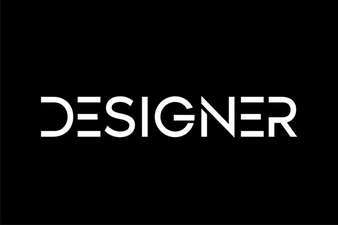 Elevate Your Designs with Stunning Designer Fonts
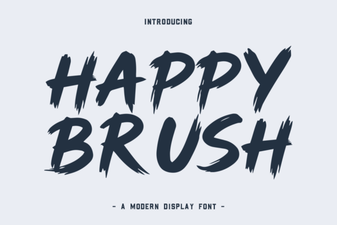 Happy Brush Font for Creative and Cheerful Design Projects
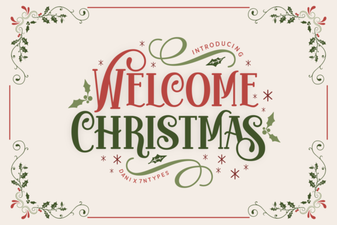 Welcome Christmas Font for Festive Holiday Design Projects
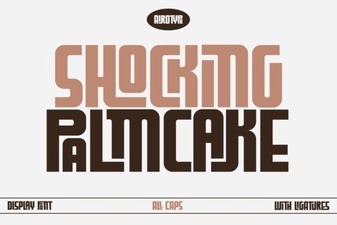 Shocking Palm Cake Font: Bold Tropical Typography for Creative Projects
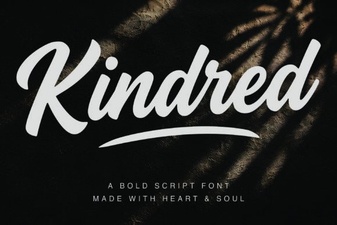 Kindred Font: a Modern Typeface for Creative Projects
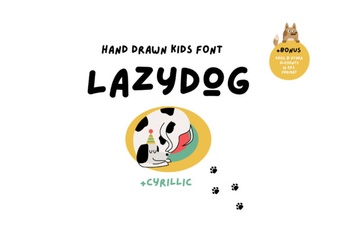 Lazydog Font Free Download - Script Font Collection